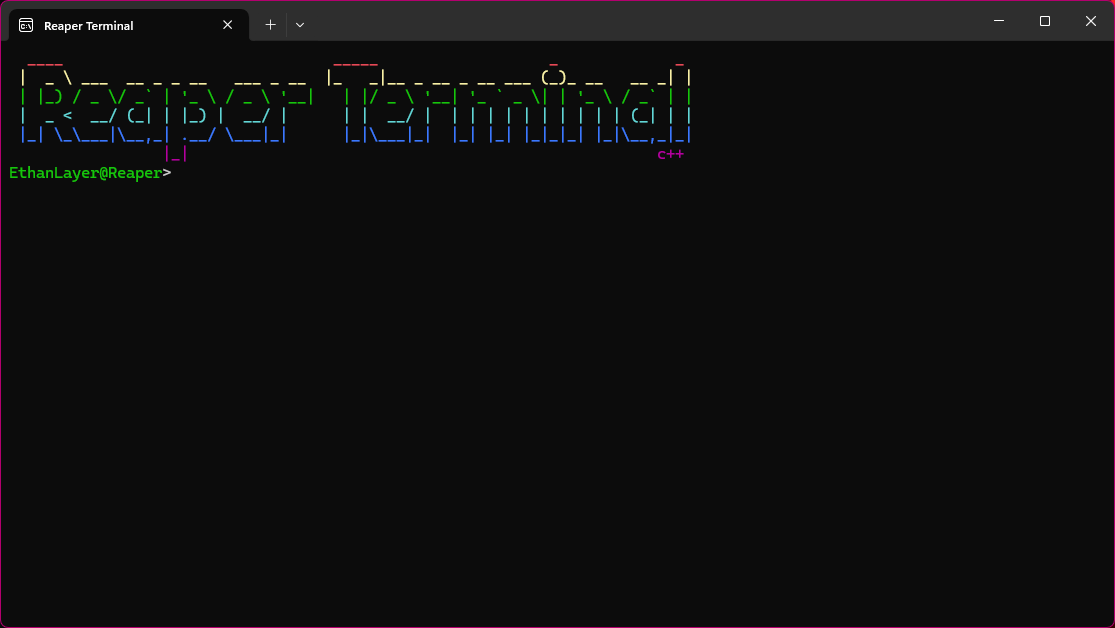
Available Commands
- ipscan: Scans the local network for active devices, shows IP and device name.
- log-wifi-info: Checks network adapter info and Wi-Fi security details.
- portscan: Scans TCP ports on a target IP (no admin needed).
- startup-manager: Lists programs and tasks that run on Windows startup.
- color: Changes the console text color. Usage: color <a-f> or reset.
- cd: Change directory, list files, delete files/folders.
Usage: cd [path] | cd delfile <filename> | cd delfolder <foldername> | cd open <filename>
- ping: Ping an IP or hostname with custom count. Example: 100 pings.
- kernel-driver-list: List loaded kernel drivers by category.
- runasuser: Launch an EXE as normal user (no admin).
- dll-inject: Inject a DLL into a target process by name.
- pythondebugger: Runs a Python file from the given path.
- sysinfo: Shows system information.
- log-user: Prompt for local username/password and start a process as that user. Usage: log-user
- local-accounts: Lists all local user accounts with detailed info./li>
- add-startup: Adds this terminal to Windows startup (Current User).
- remove-startup: Removes this terminal from Windows startup (Current User).
- environment: Displays important environment variables (non-admin).
- download: Download a file from a direct link and save it to ./Downloads with progress.
- wifi-lister: Lists nearby Wi-Fi networks with details and lets you connect using a password you provide (BRUTEFORCE)
- audit-log: Displays recent Windows Security Event Log entries (login success/failure, etc).
- bluetooth-connector: Interactive Bluetooth helper: scans nearby devices, and lets user pair/connect/disconnect safely
- process-inspector: prompt for a running process and show a full static report about its executable (path, size, timestamps, file version, SHA256, PE arch
- open: Open a Terminal from the Terminals folder (This Command can be used in the New tool update but can be used if you know how to use it.)
Current Errors / Issues
- kernel-driver-list: Fails due to NtQuerySystemInformation returning 0xC0000004 (buffer size mismatch).
- runasuser: Launching as normal user does not work correctly.
More Commands get added each update. | Current Version: 1.0.0.2 | Old Version: 1.0.0.1